
Local TTS - Voice Aloud Reader
Productivity
View ratings by country▼
Free
2.1.5
18.6
Preview
About
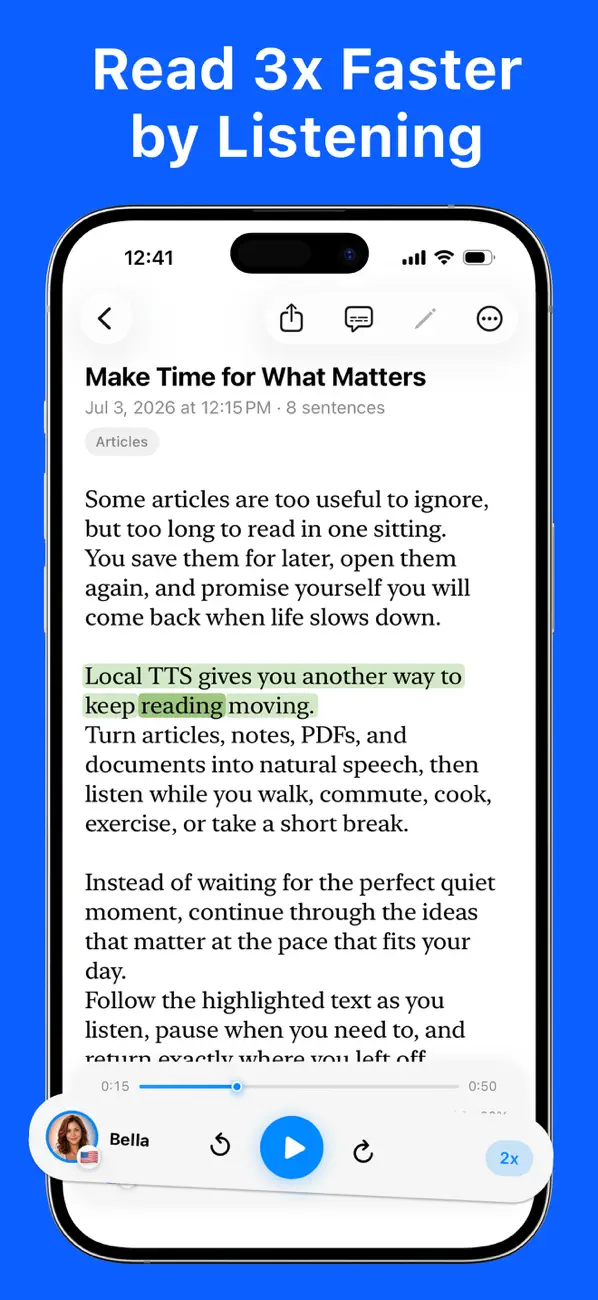
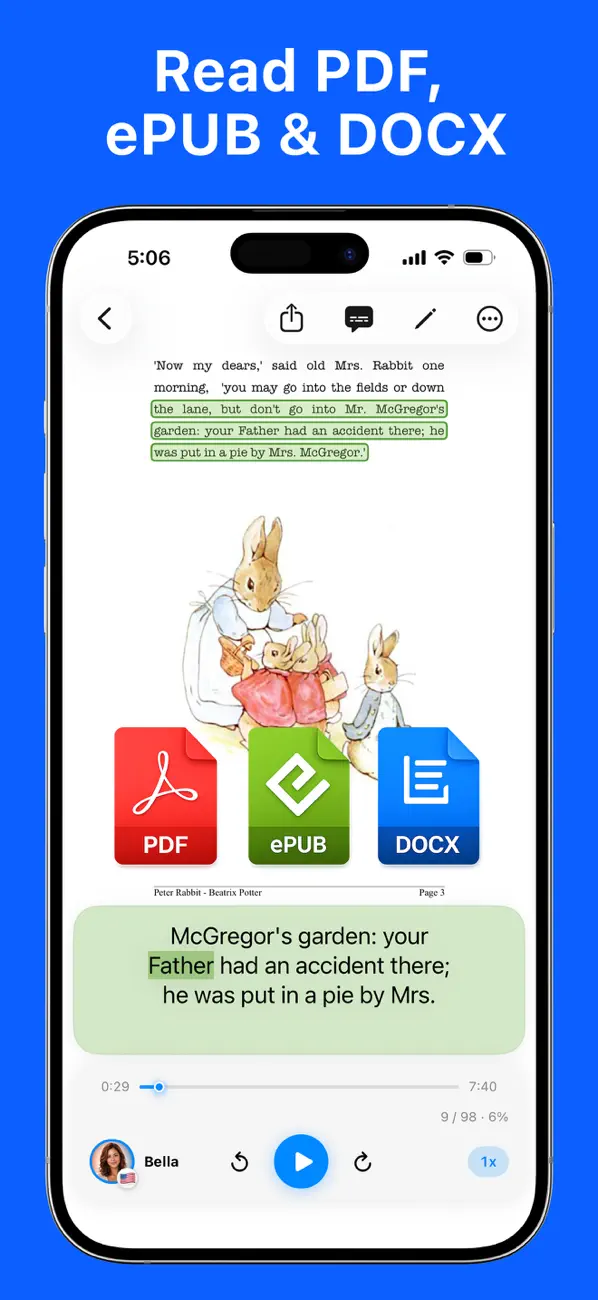
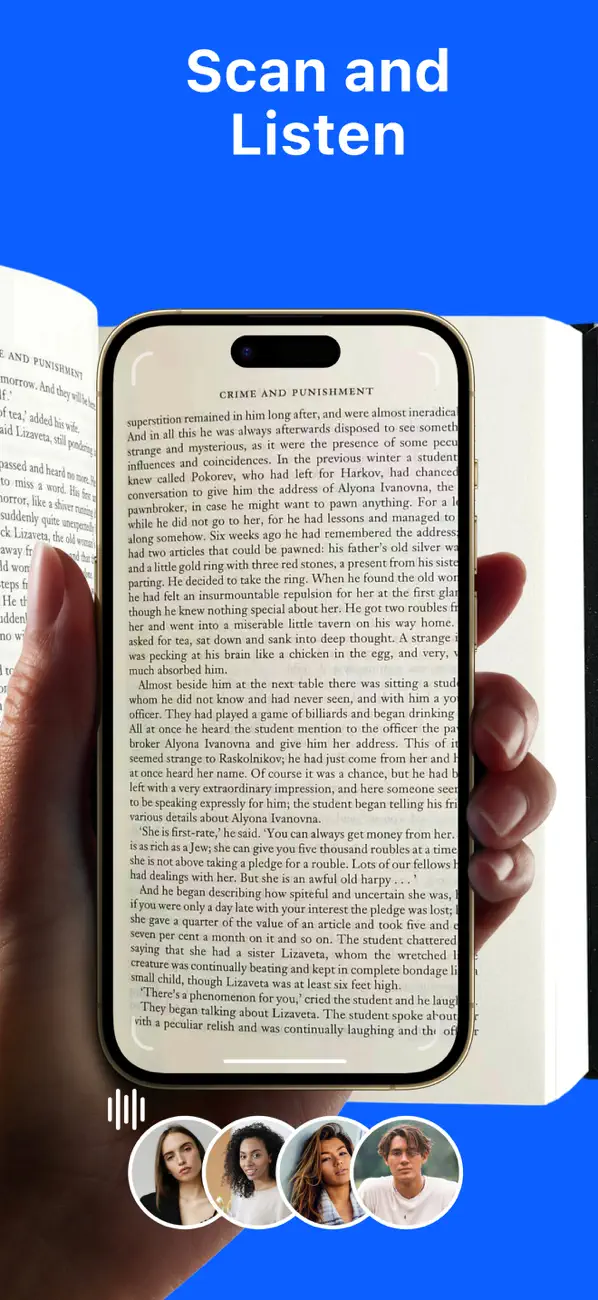
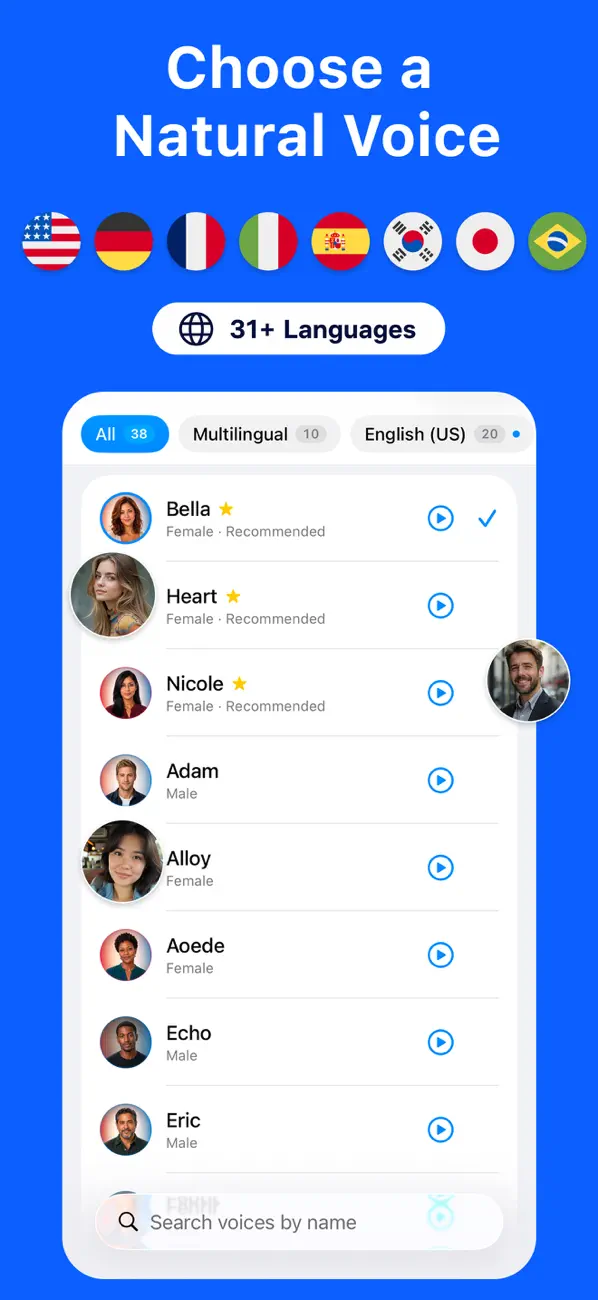
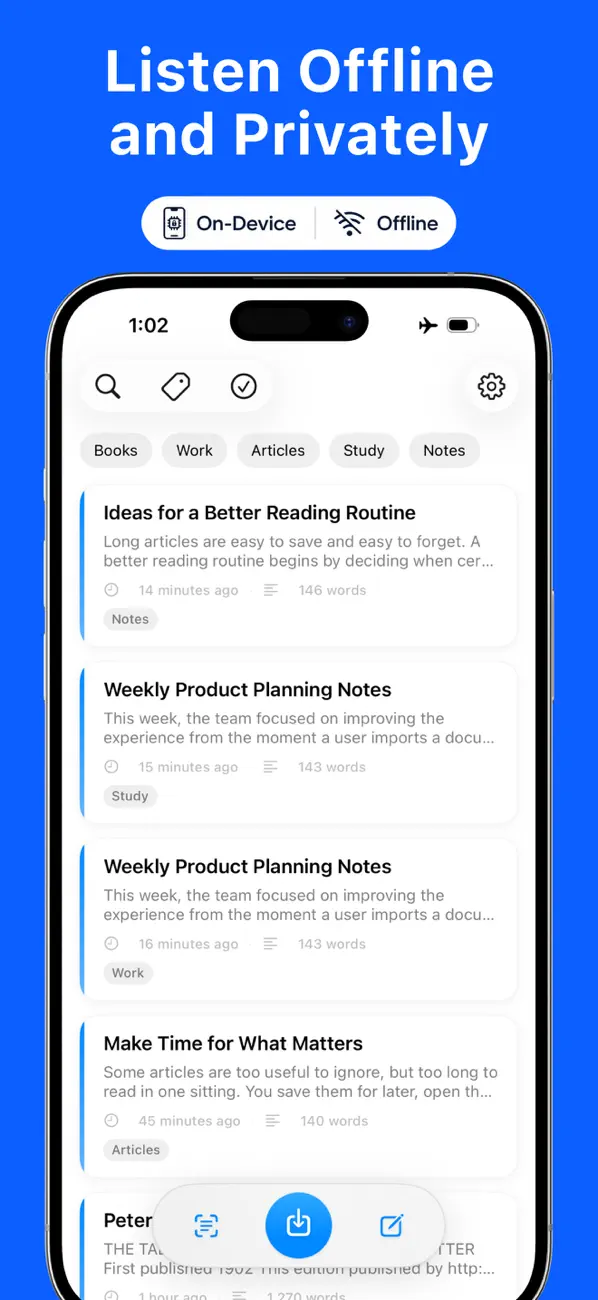
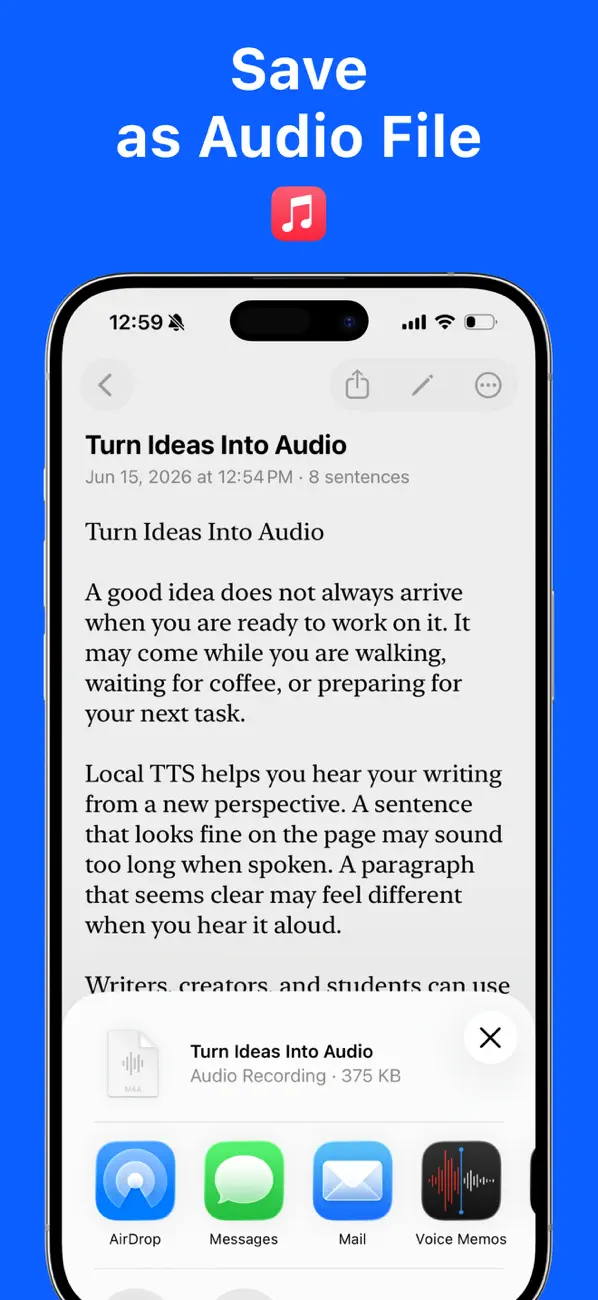
Local TTS turns any text into lifelike speech, entirely on your device. Paste an article, import a PDF, EPUB, Word, text, or Markdown file, snap a photo of a printed page, or write a quick note — then listen with high-quality neural voices. Nothing is uploaded. Nothing leaves your device. READ FROM ALMOST ANYTHING • Paste text or type your own notes • Import PDF, EPUB, Word (DOCX), TXT, and Markdown files • Scan a printed page with the camera, or read text from a photo — on-device OCR FEATURES • 100% offline neural text-to-speech — no internet, nothing leaves your device • Word-by-word highlighting synced to the audio • Background playback with lock screen and Control Center controls • A different voice for each note, plus tags to keep them organized • iCloud sync across your iPhone and iPad • Adjustable playback speed • No accounts, no ads, no tracking FREE PLAN • One natural multilingual voice that reads all 31 languages • Three premium English neural voices • Read up to 500 characters per note GO PRO — UNLOCK EVERYTHING • Unlimited text — paste or import as much as you want, with no 500-character cap • The full voice catalog — every multilingual and English neural voice • Export speech as M4A audio files to play anywhere, on any device • Full multi-page PDF import • Still 100% offline and private, even with Pro ALL 31 LANGUAGES English, Spanish, French, German, Italian, Portuguese, Dutch, Russian, Ukrainian, Polish, Czech, Slovak, Slovenian, Croatian, Bulgarian, Romanian, Hungarian, Greek, Swedish, Danish, Finnish, Lithuanian, Latvian, Estonian, Turkish, Arabic, Hindi, Indonesian, Vietnamese, Japanese, and Korean. SUPPORTED DEVICES On-device neural speech needs a recent chip, so Local TTS requires: • iPhone 12 or later • iPad (10th generation) or later • iPad Air (4th generation) or later • iPad mini (6th generation) or later • iPad Pro (M1, 2021) or later • iOS / iPadOS 18.6 or later Download Local TTS and turn every screen into your personal narrator. • Contact: support@richsoft.app • Privacy Policy: https://richsoft.app/tts/privacy • Terms of Use: https://www.apple.com/legal/internet-services/itunes/dev/stdeula/